


If you've been running a WordPress website built on Divi, you've probably heard that Divi 5 is here - and that it's a significant upgrade. But significant in what way, exactly? Is it worth switching right now, or should you wait? And if you do switch, how do you do it without breaking everything?
In this post, we'll walk you through the key differences between Divi 4 and Divi 5, answer the questions we hear most often, and explain what this update really means for business owners using WordPress in 2026.
Key Differences Between Divi 4 and Divi 5
Divi 5 isn't a minor patch or a feature update - Elegant Themes rebuilt the framework from scratch. The goal was to fix years of technical debt and make the builder faster, cleaner, and more capable. Here's how the two versions compare across six important areas:
Compare Divi Versions
Feature
Divi 4
Divi 5
Architecture
Shortcode-based, older framework
Complete core rewrite, no shortcodes
Builder Speed
Slower on large or complex pages
Noticeably faster Visual Builder
Responsive Editing
Requires enabling responsive options per element
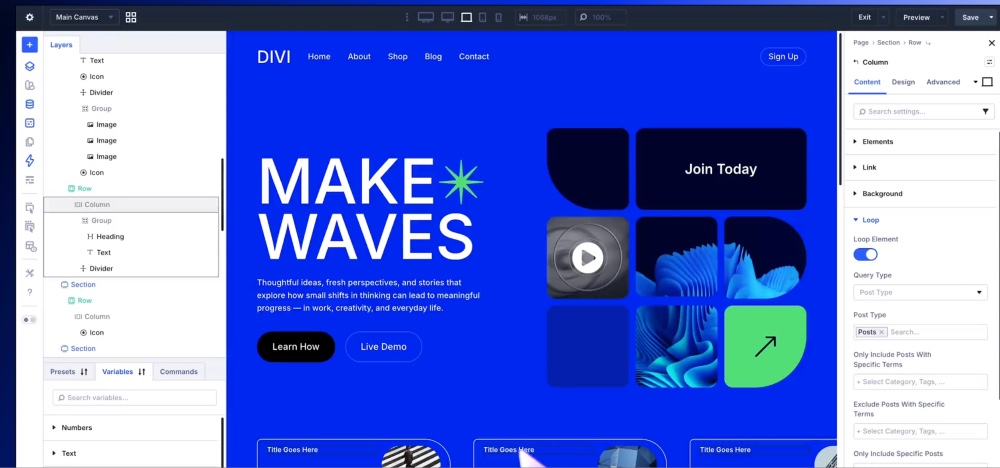
Device-first workflow - select device, then edit
Module Editing
Multiple clicks to open, edit, and close panels
One-click editing directly on the canvas
Developer Flexibility
Limited extendability
Modern API, better support for custom development
UI / Interface
Traditional panel layout
Dockable panels, breadcrumb navigation, light/dark mode
The shortcode removal alone is a meaningful change. Divi 4 stored page layouts as long strings of shortcode text - functional, but fragile and difficult to manage. Divi 5 replaces that with a cleaner storage format that's more stable and easier to maintain over time.
FAQs About the Latest Divi Updates
Compared to Divi 4, How Responsive Options Work in Divi 5?
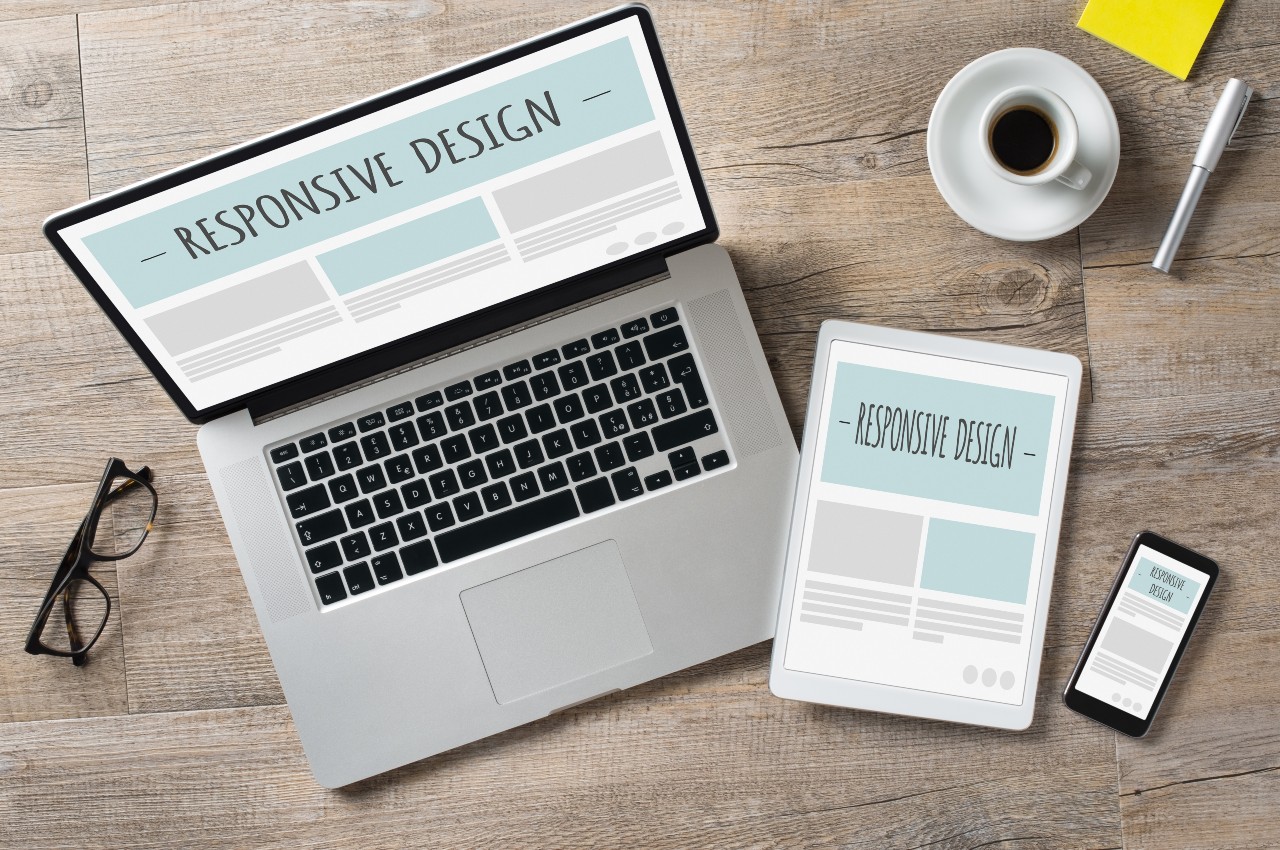
In Divi 4, making your site look good on mobile meant turning on responsive settings for each individual element, then switching between devices, and adjusting everything one by one. It worked, but it was slow and easy to miss things.
Divi 5 changes this with a device-first approach. You select your target device - desktop, tablet, or mobile - from the top bar, switch to that view, and set design values more directly with fewer steps. This is a genuine time-saver, especially for sites with a lot of custom mobile styling.
Is Divi a Good Choice for 2026?
Yes - and here's why it still makes sense for most WordPress sites:
- No coding required: The Visual Builder is genuinely accessible for non-developers, while still giving developers room to extend things properly.
- Performance improvements: Divi 5's rebuilt core loads and responds faster in the editor, and pages built natively in Divi 5 benefit from a lighter codebase.
- Future-proof structure: The new framework is designed to align with how WordPress is evolving, which matters for long-term site stability.
- 2,000+ pre-built layouts: You're not starting from a blank canvas unless you want to.
- Built-in AI tools (Divi AI): Content and design generation is available directly inside the builder.
- Active development: Elegant Themes is investing heavily in Divi 5, with consistent updates and a growing ecosystem.
For businesses in the Sarasota and Bradenton area working with local web design agencies, Divi remains one of the most practical and well-supported platforms available.
How to Safely Migrate from Divi 4 to Divi 5?
Migration is straightforward if you prepare properly. Here's the short version:
- Back up your site first: Before touching anything, create a full backup and set up a staging environment to test the migration away from your live site.
- Update everything: In your WordPress dashboard, update WordPress itself, Divi, and all active plugins before you start.
- Check your third-party Divi modules: If you use extensions from the Divi Marketplace, confirm they carry a "Compatible with Divi 5" tag. If several don't, it may be worth waiting.
- Run the Divi 5 Migrator: From your WordPress dashboard, go to Divi > Divi 5 Migrator. It scans your content, converts what it can, and keeps anything it can't convert running in backward-compatibility mode, so your site doesn't break.
- Review key pages: After migration, check your most important templates and high-traffic pages in both the builder and the frontend.
If something doesn't look right, the Migrator retains a copy of your Divi 4 content so you can roll back if needed. Keep in mind, rolling back only restores your original Divi 4 layouts. Any content created in Divi 5 after migration won't be recovered.
At Abacus Web Services, we build custom WordPress websites that are designed to grow with your business and marketing goals. Whether you're starting fresh or thinking about upgrading an existing site, we can help you make the right call without the unnecessary headaches or chaos. Ready to talk about your website? Get in touch with us today.

0 Comments